


 Unity
Unity Unreal
 Godot
Godot
 Mobile
 PC
PC Console
 Full-Cycle
 Co-Development
 Outstaffing



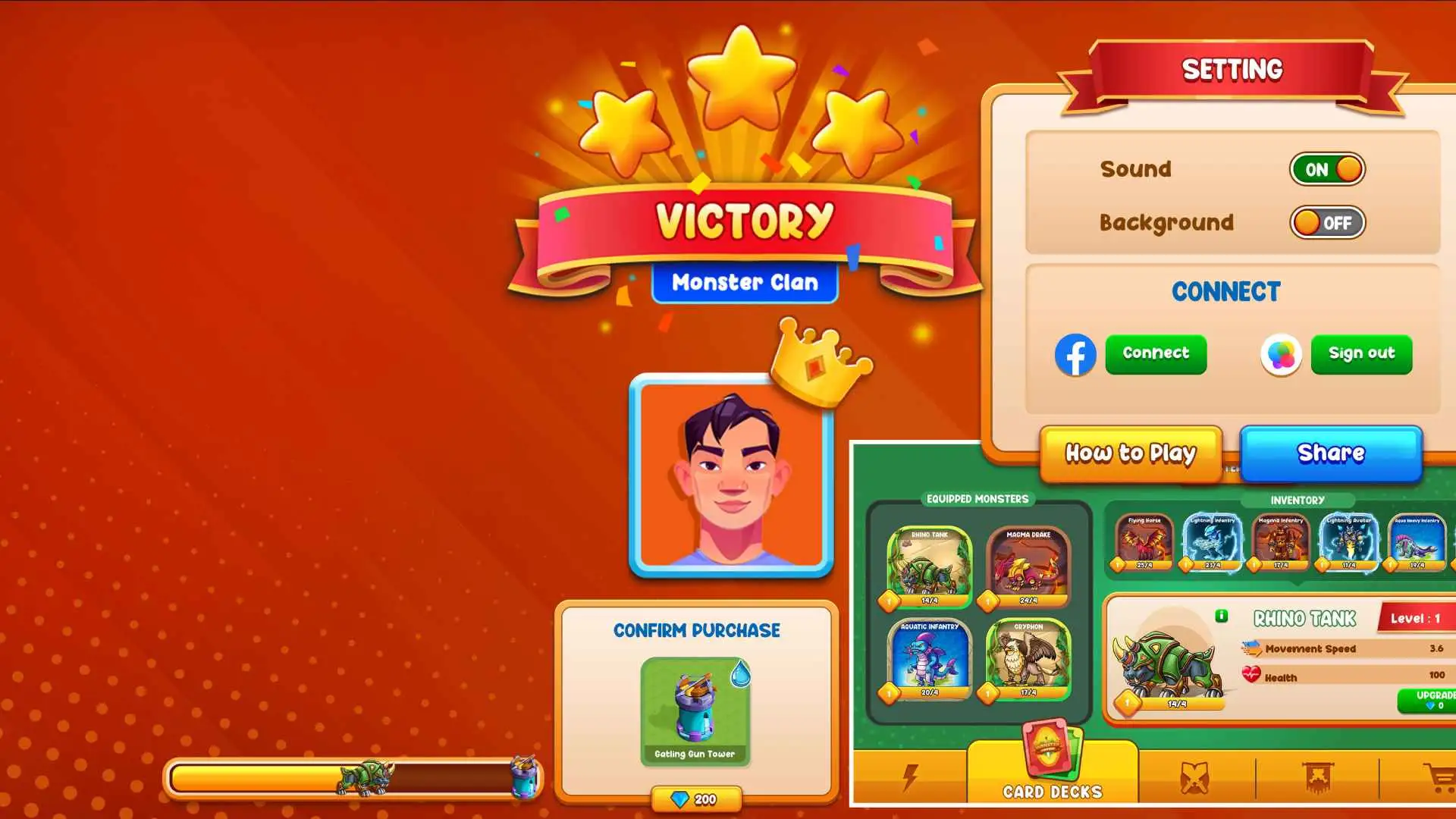
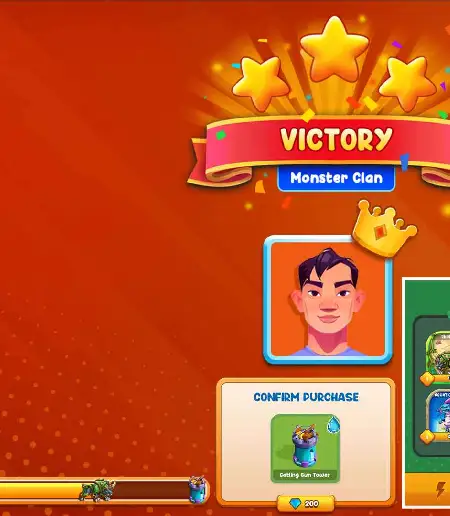
Game UI/UX Design Services Built for Player Retention
Players quit in the first session when UI creates friction. Interfaces that look right in Figma break on device, scale wrong on console, and rack up post-launch debt that makes every update a firefight for 2D and 3D titles alike. Get game UI/UX design services built to prevent exactly that.
- Home
- Game Art Services
- UI/UX Design
10+
Years in Production
50+
Publishers Served
200+
Shipped Titles
250+
Engineers, Artists & QA

Forbes India Marquee List









Juego Studios is a trusted partner for 50+ game studios across mobile, PC, and console, delivering UI systems, HUD design, player flow architecture, and engine-ready asset delivery. Explore the full range of services below.
Our Game UI/UX Design Services

Game UI/UX Strategy
Without a strategy, even polished interfaces create friction. UI/UX game design strategy covers player persona development, information architecture planning, interface goal mapping, and design system setup. This gives your team a shared framework before visual production begins, ensuring designers, developers, and producers speak the same language before assets goe into production.

Game UI & UX Design (2D & 3D)
Video game UI design services cover flat 2D mobile interfaces and depth-integrated 3D console and PC systems, each built with platform-specific interaction patterns and visual hierarchy from the ground up. Video game UX design services layer player behavior research, flow mapping, and feedback loop design to make those interfaces feel intuitive from the first interaction.

Game UI/UX Prototyping
Stakeholder misalignment is one of the most common reasons UI/UX projects derail. Designers, developers, and producers rarely share the same mental model of what “done” looks like. Interactive wireframes resolve that before a single line of code is written, surfacing navigation friction early and giving every team member a shared blueprint to build from.

Player Onboarding UX
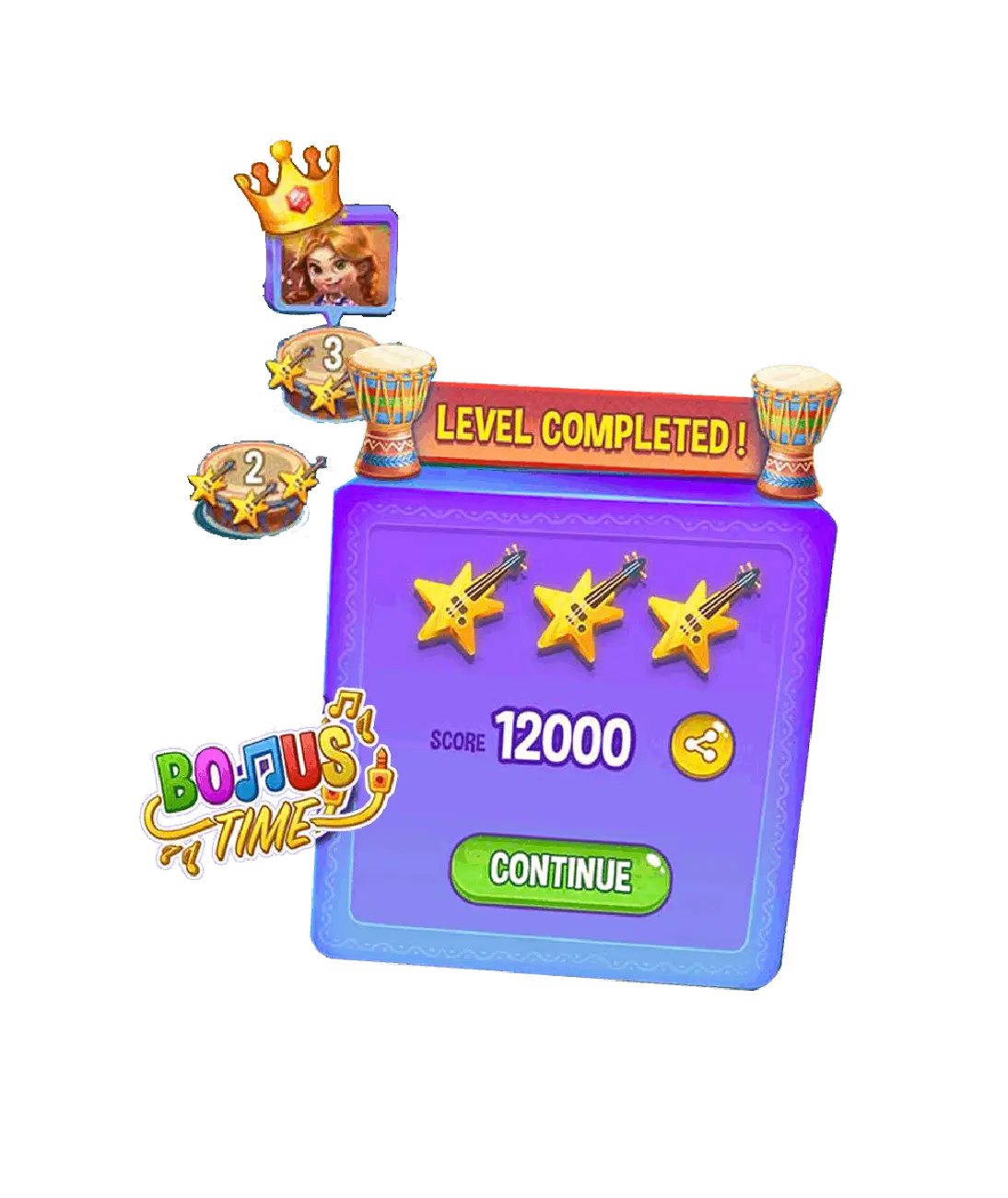
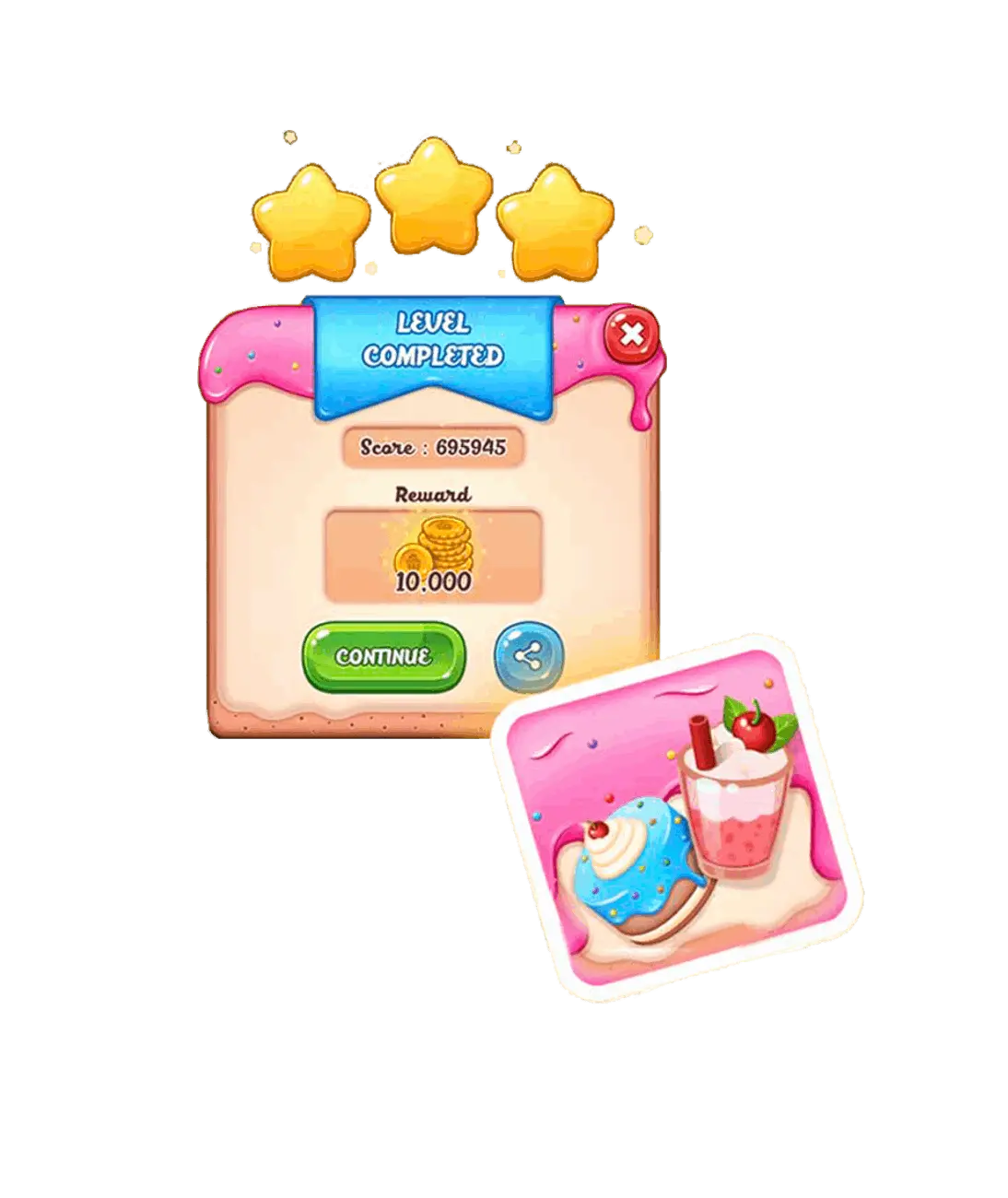
The first five minutes decide whether a player stays or leaves. Onboarding UX design structures the new-player experience so that players feel competent and engaged before the game asks them to do anything difficult, using progressive disclosure, contextual cues, and in-world teaching moments rather than interruptive tutorials.

Game Branding & Visual Identity
Visual inconsistency is a production cost that rarely gets budgeted for. One off-brand asset in week two becomes twenty by launch, each one adding a review cycle or a shipped compromise. Branding work front-loads the fix: color story, typography, iconography, and art direction locked in before production scales, so every asset builds from the same source of truth.

UI Motion Design
Static screens feel unfinished in a genre where production quality is visible. Purposeful micro-animations (button state feedback, screen transitions, HUD pulses, and loading progressions) communicate game state, reinforce player actions, and add the polish that separates premium releases from those that feel rushed or incomplete.
One of the Most Trusted Game Development Studios

Well, I signed up to work with Juego Studios for a project and they really exceeded my expectations. The project was delivered on time, with no hiccups whatsoever. They are talented and professional game developers who get the job done without fail. I cannot recommend them enough!
Sam Anthony Gilfred
Sr. Project Manager
Amazon

I was very pleased with the quality of the work we received for our project. They were delivered on time and with very minimal feedback from our team. Juego Studios is good company to work and will be looking to them for our future projects!
Paul Skinner
Director
Wicked Witch Studios

It's safe to say that most regular human beings would be shocked and daunted at the idea of having to do a high quality game for iOS and Android, within a deadline of few months. I can honestly say that this was not the case with Juego Studios. They responded reactively, calmly and productively, and ended up delivering a game that both myself, the LatAm team, and users, were very happy with. There is a calm and experienced professionalism to the Juego team, and I would not hesitate to use them again.
Josh Saunders
Senior Director,
Innovation (Warner Group)

The Juego Studios team was instrumental in developing one of our recent apps. We were able to supplement our small development team with several more developers that worked on front and backend features. They filled gaps wherever necessary and accelerated our time to market. After release, they continued to help us with new features and bug fixes. I would work again with them if needed.
Robert Baily
Director of Application Programming
JumpStart Games
Why Studios Choose a Dedicated Game UI/UX Design Company

Game-First Design Thinking
Generalist UX designers spend your revision cycles learning how games work. Every decision here connects back to core loop logic, genre convention, and player psychology, so interfaces support the game experience rather than creating friction exactly where players need clarity.

Senior Designers With Genre Depth
Hiring a UI/UX designer without genre experience means your brief funds their education. The team includes senior specialists across mobile casual, mid-core strategy, PC RPG, and console action — faster brief alignment, fewer rounds, stronger output.

Platform-Specific UI Expertise
A mobile interface scaled to console is an outsourcing giveaway that every experienced player recognizes. Each platform requires its own design grammar — touch targets, controller focus states, and information density all differ, and only platform experience delivers that correctly.

Scalable for Live Games
Post-launch UI debt is one of the most underestimated costs in live game management. Because every production asset is built to a documented standard from day one, seasonal updates, new feature UI, and UX optimizations ship in days, not weeks, without triggering a visual overhaul.

Engine-Ready Asset Delivery
Most UI handoffs create an unplanned second design phase in the developer’s IDE. When nothing is spec’d for the engine, developers interpret rather than implement; revision cycles follow, builds slip. Assets here include component states, Unity and Unreal configurations, and resolution specs so developers implement, not reconstruct.

Flexible Engagement for Any Pipeline
Game UI/UX services here adapt to your production structure, whether you need a team to own the full UI system or targeted support for one feature. No in-house overhead, and flexible across fixed-scope, retainer, and sprint-based models.
Technologies
The Technologies We Use for UI/UX Design

Adobe Photoshop

Illustrator

Adobe XD

Figma

Sketch

Axure

Invision Studio

Framer
Our Game UI/UX Design Process
Discovery & Player Research
The process starts with understanding how your players think before any wireframe is drawn. This phase covers game genre analysis, target audience profiling, platform requirement mapping, and competitor interface benchmarking, so every design decision has a rationale grounded in player behavior, not assumption.
Player Flow Mapping & Wireframing
With research in hand, every screen state and player journey gets mapped. Low-fidelity wireframes define navigation architecture, menu hierarchies, HUD layouts, and interaction touchpoints, giving developers and stakeholders a shared blueprint before visual design begins, so every team member builds from the same agreed foundation.
Visual Style & UI Design
This phase establishes the interface’s visual identity. Typography, color systems, icon sets, and HUD components are designed in line with the game’s art direction. For 3D titles, UI layers cleanly over complex scene geometry. For 2D titles, flat and illustrated UI systems are built to match the game’s visual language.
Interactive Prototyping & Testing
A prototype that players can actually use addresses problems that wireframes miss. Interactions, transitions, and responsive behaviors are validated against real gameplay scenarios before final assets are produced, so friction is resolved in weeks, not months into production.
Iteration & Refinement
Designs improve through structured feedback. Player testing data, stakeholder input, and benchmarking against comparable titles inform each revision cycle, tightening the experience and confirming the UI performs consistently across target resolutions, devices, and control input types.
Engine-Ready Delivery & Integration Support
The final handoff includes production-ready assets, style guides, component documentation, and integration support for Unity and Unreal Engine. QA checkpoints confirm that what ships in-engine looks and behaves exactly as designed across every target display configuration and control scheme.
Ready to scope your UI/UX project?
Frequently Asked Questions
The most useful starting inputs are your game genre and target platform, any existing concept art or brand guidelines, the approximate number of screens or interface states required, and your target engine. A rough production timeline and budget range help align expectations early, but a full brief is not required to start a conversation and get an initial scope estimate.
Multi-platform UI needs purpose-built design logic for each context, not a single design adapted to fit every screen.
- Mobile requires touch-optimized targets and compressed information density.
- Console needs controller-aware focus states and TV-safe layout margins.
- PC supports richer data displays and mouse and keyboard interaction patterns.
Each platform gets its own UI system that shares a visual language but respects the interaction grammar of its input method.
Yes. Existing-title engagements begin with a full audit of current UI assets, design patterns, and visual inconsistencies. New components are built to extend the existing system, maintaining visual continuity while addressing specific gaps or new features the project requires. This approach fits live game pipelines where a full visual overhaul isn’t feasible or in scope.
The failure happens at handoff, not in design. Without component states, export specs, and engine configurations, developers rebuild from interpreted mockups rather than implement from spec. Handoffs here include layered source files, a full component library with documented interaction states (idle, hover, pressed, disabled), resolution specs, and Unity UI Toolkit or Unreal UMG configurations. Developers are implementing; not interpreting. Integration support runs through the build phase to catch fidelity gaps before they compound.
Consistency after launch depends less on goodwill and more on the quality of the design system in place from day one. Component libraries with consistent naming conventions, version-controlled asset repositories, and documented style guides mean every seasonal update or new feature is built from the same foundation as the original UI, not assembled from memory or recreated from scratch. This is what prevents the visual drift that accumulates in most live games after six months of updates.